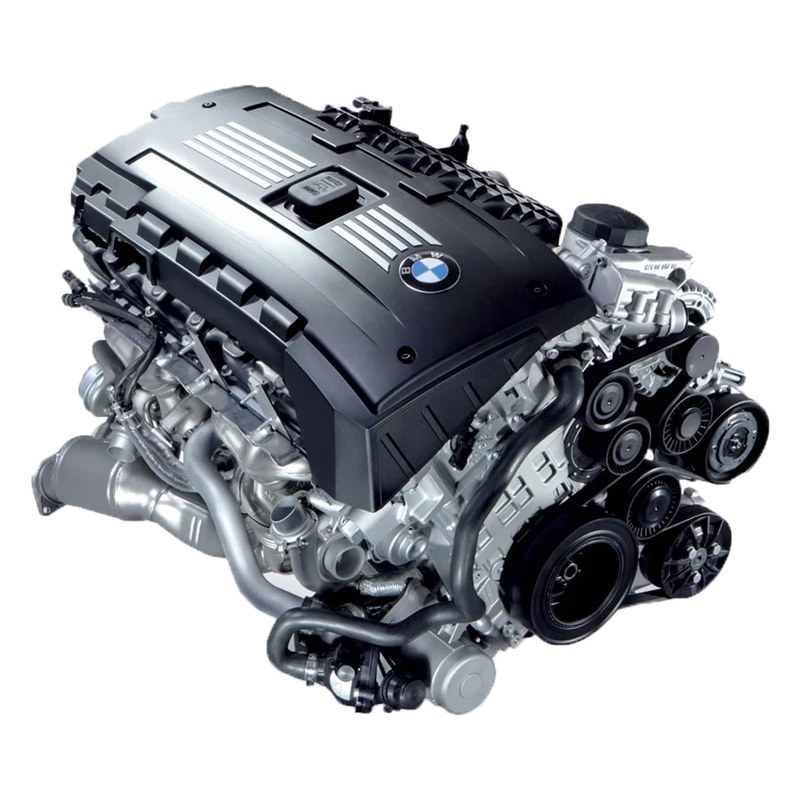
CAFlash N54
Flash, log and diagnose the N54's DME from your phone. The app is free, it runs on Android and iOS, and it talks to the MSD80 and MSD81 in the 135i, 335i, 535i and Z4 over MHD WiFi, Thor WiFi or a K+DCAN cable.

-
Flashing
Loads a .bin and writes it to the DME. A full flash takes about 6 minutes and a map change about 1. If any pre-existing tunes are already installed the app will overwrite them completely.
-
Logging and gauges
48 parameters, from boost, wastegate duty and timing to knock, fuel trims, lambda, VANOS and oil pressure. Logs save as CSV and open in Datazap, SpoolStreet or the app's own viewer.
-
Diagnostics
Fault codes with descriptions, every OBD readiness monitor, the DME's CVN numbers, and adaptation resets.
-
Workshop jobs
Injector coding and ISN correction for a replacement DME.
In the Tools menu
Flash options
These describe the hardware on the car. Set them once on the Flash tab and they're remembered. They're applied to the file as it's written, so a bin you've tuned yourself doesn't need any of them edited in, and the write confirmation lists whatever's been moved off stock.
DIY Tuning
The app isn't tied to my files. It will also flash your own custom bin files, and it automatically corrects the checksums for you.
If you'd rather not, my tunes are in the shop and they flash with this app too.
-
Definitions on GitHub
XDF definition files for the four N54 ROMs, I8A0S, IJE0S, IKM0S and INA0S, are at github.com/CAFlash/N54_XDF. Open your bin in TunerPro with the matching XDF and the tables are there by name.
-
Start from a stock file
Generate one for your car from the Tools menu and you have a clean base that matches your DME exactly. The Identify tab tells you which ROM you're on.
-
What the app checks
The app automatically checks if the file you are trying to flash is supported by the DME to prevent any errors.
FAQ
What devices are supported?
Any Android device that runs Android 8 or higher and has access to the Google Play Store, or any iPhone or iPad that runs iOS 15 or higher. Newer devices typically provide better performance and quicker flashing.
On iOS keep the app open and on screen while a write is in progress. iOS suspends apps that move to the background, which would interrupt it.
What interfaces are supported?
Three adapters work with CAFlash: MHD WiFi (fastest and most reliable), Thor WiFi (slightly slower), and USB K+DCAN cables (performance depends on cable quality).
On iPhone and iPad only the WiFi adapters are supported. iOS does not support serial adapters, so a K+DCAN cable can't be used there.
What causes flash failures?
Common causes include problematic Android devices interfering with communications and low battery voltage. Ensure the vehicle battery is fully charged and if possible connect a battery tender. Also ensure any devices that interfere with the CANBus are disabled, such as a JB4 or an after-market digital dashboard.
Do I need to uninstall MHD or COBB before flashing?
No. CAFlash will identify if any existing flashes are installed and overwrite them.
What is a ROM mismatch error?
If you get an error stating there is a ROM mismatch then this is likely caused by the file you are trying to flash not matching your ECU hardware.